
Study the game.
Scout the course.
Then go play it.
GolfVerse is a golf game built for learning. Walk a hole before you play it, set up every shot from the lie, and replay your golfer's swing from any angle, all the way down to the hands and feet.
Free to download and play on iPhone, iPad and Mac.

Why GolfVerse
Play it. Learn it. Master it.
Most golf games hand you a power meter. GolfVerse shows you why the ball went where it did, and what the body was doing when it happened.
Study the game technically
See how club, power, face, path, loft, wind and lie change carry, curve, peak height and roll, shot by shot.
Check a course out before you play
Find courses by ZIP code or name, download their holes, and walk each one: yardage to the flag, slope, wind, bunkers and greens.
Get a better understanding of golf
Beginner lessons in the Academy, plain-language cues on every screen, and "Explain My Shot" after each stroke.
Learn and study swing technique
Step through setup, takeaway, backswing, transition, impact and finish. Slow it down, rotate the golfer, and zoom in on hands, arms, hips or feet.
Attack the ball from different angles
Set face-to-path, loft and swing plane, choose a neutral or bowed lead wrist, and play from uphill, downhill, sidehill and rough lies.
Enjoy golf, anywhere
Play any nine or all eighteen, at your own pace, or take on up to three friends in rounds you each play when you have time.
Inside the app
Real screens from GolfVerse
Every image on this page is taken from the game itself.
Scout the course
Know the hole before you hit
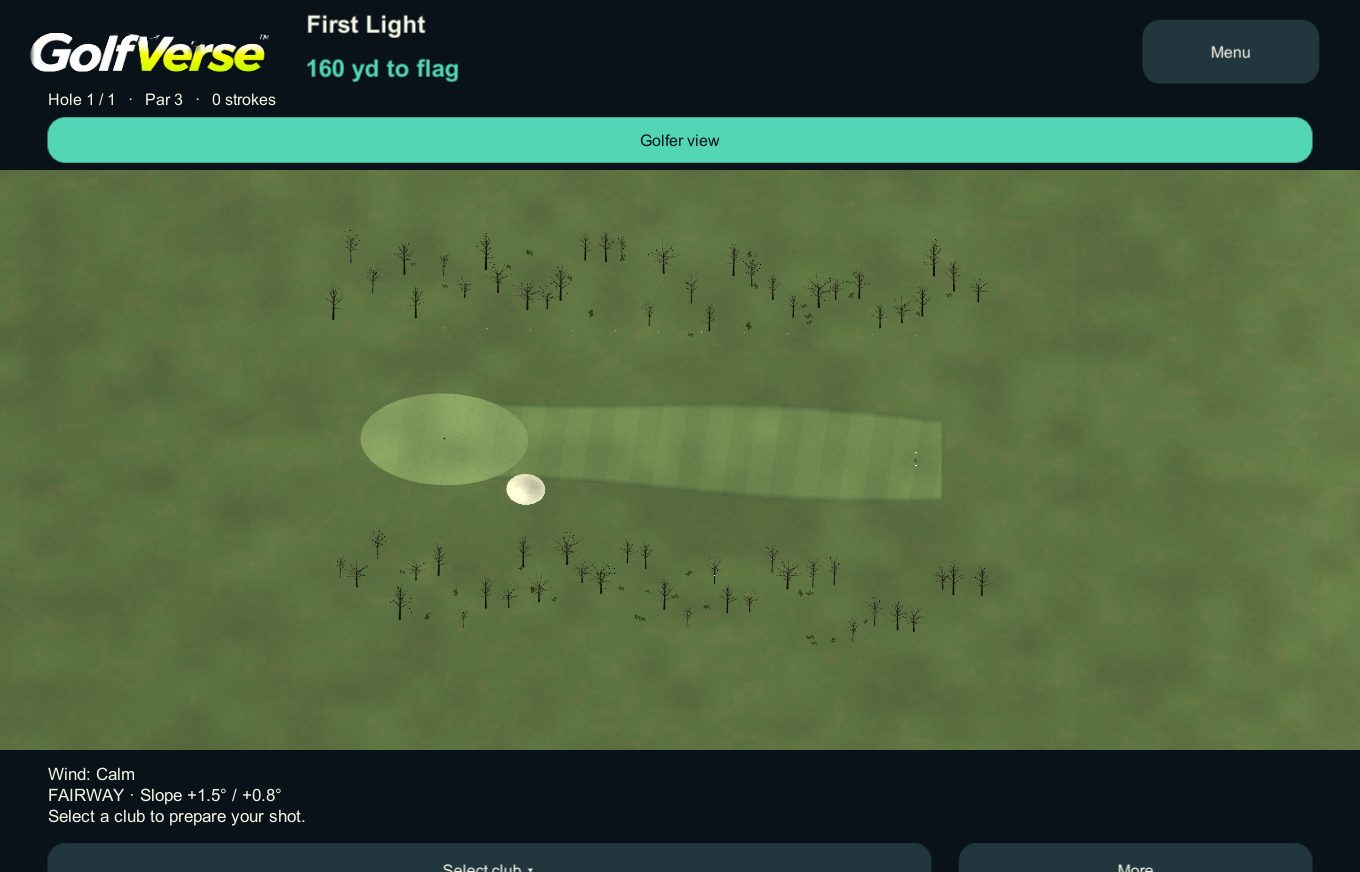
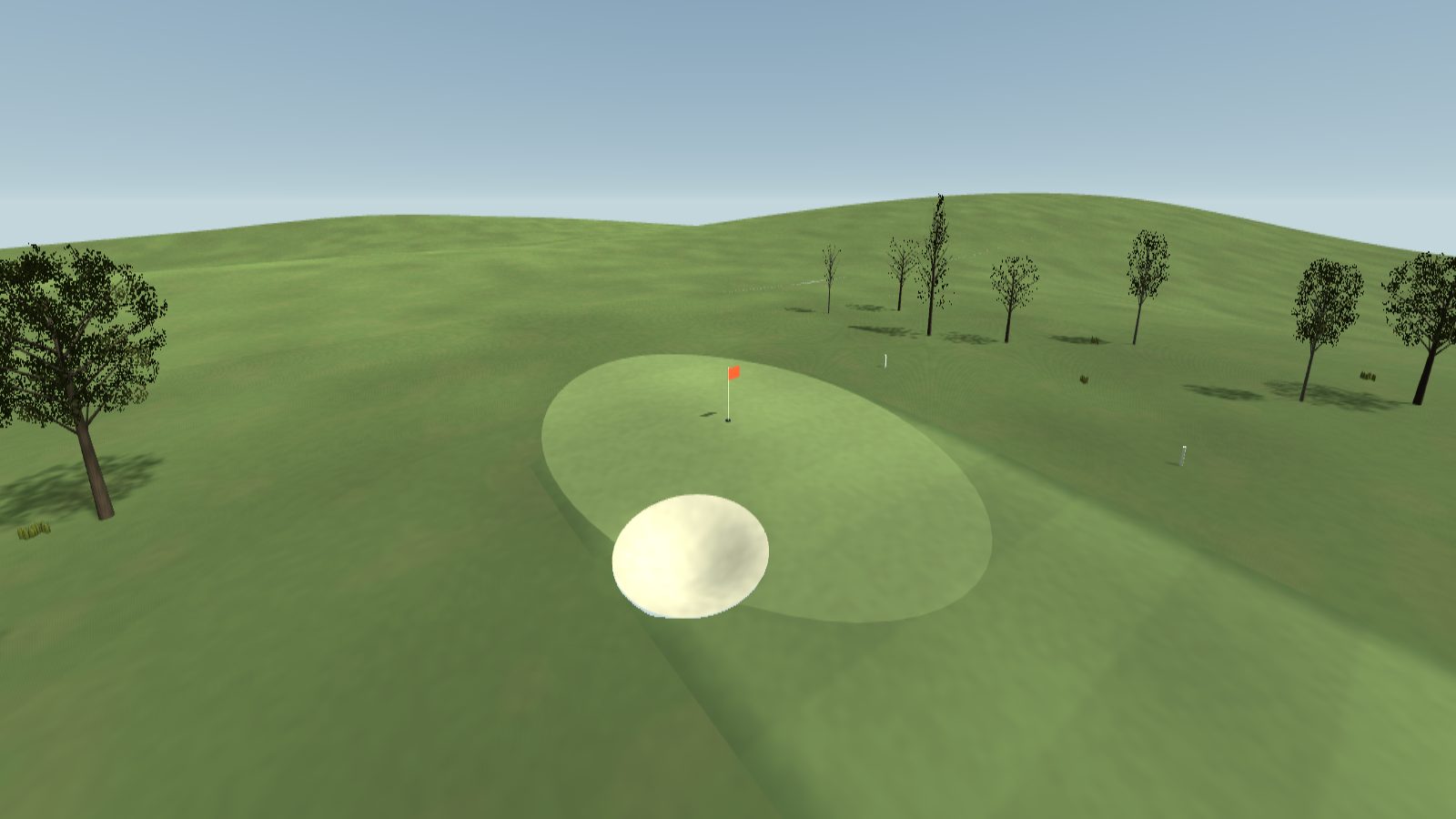
Flip between the overhead fairway view and the golfer's view. See where the fairway narrows, where the bunkers sit, and how far it really is to the flag before you choose a club.
- Search courses by US ZIP code or by name worldwide
- Download holes once, then play offline
- Yardage, par, wind and slope on every lie
Set up the shot
Choose how you attack the ball
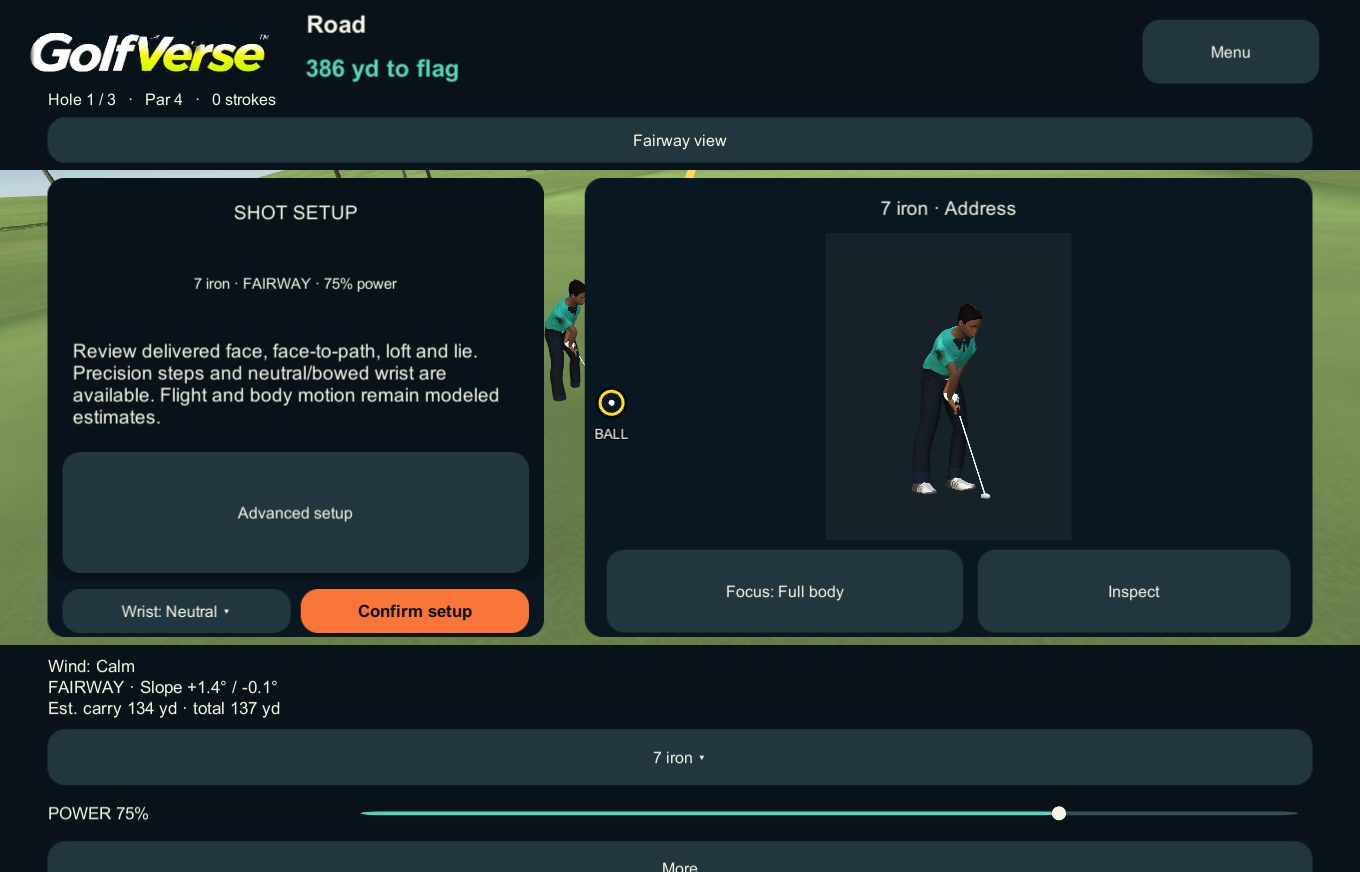
Pick a club, read the lie, then shape the strike. GolfVerse shows the estimated carry and total before you swing, so you can compare a stock shot with a draw, a fade or a flighted-down iron.
- Face, face-to-path, loft and swing plane
- Neutral or bowed lead wrist, with its effect on loft and spin
- Uphill, downhill, ball above or below the feet, and rough
- Driver, woods, 4–9 irons, wedges and putter
Swing studio
Break the swing into pieces
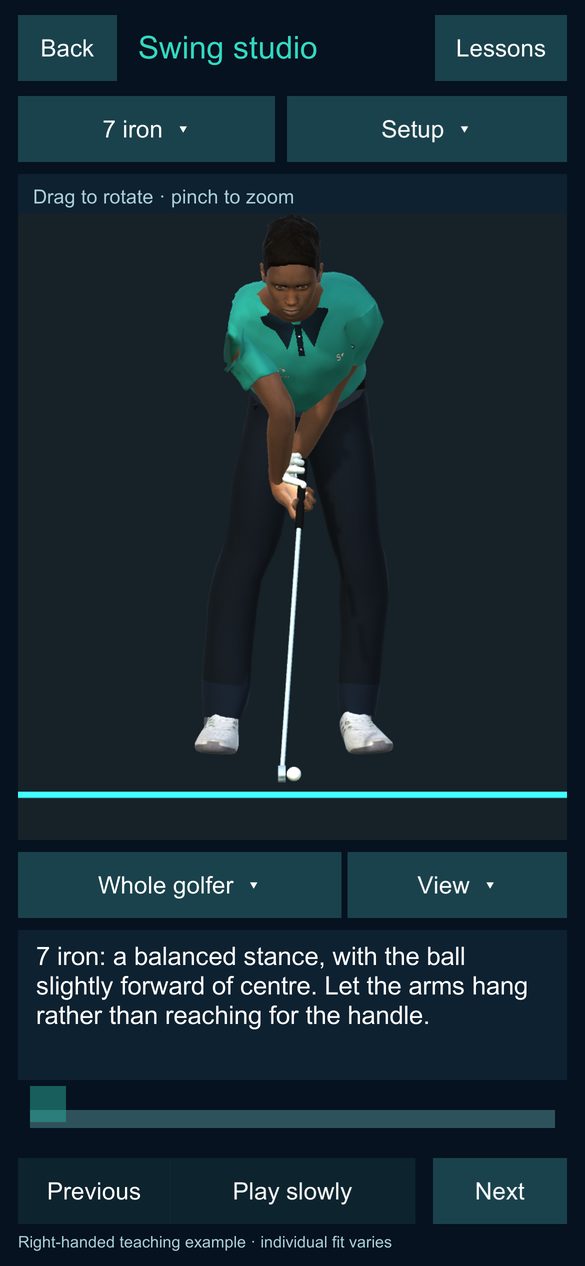
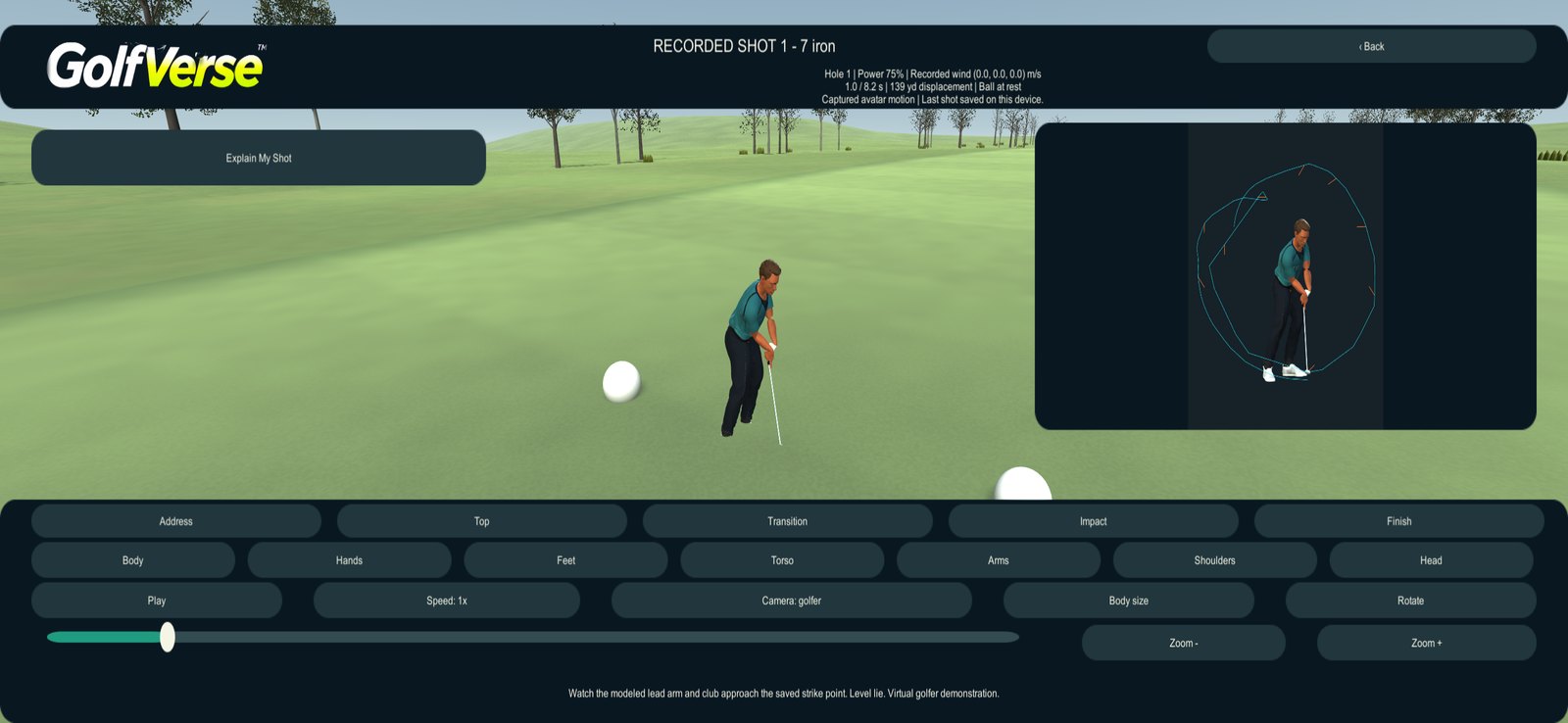
Choose a club and a phase of the swing, then study the whole golfer or a single body part. Drag to rotate, pinch to zoom, and play each move slowly. The written cue changes with the club, the phase and the body part you pick.
Replay every shot
Watch the stroke you just played
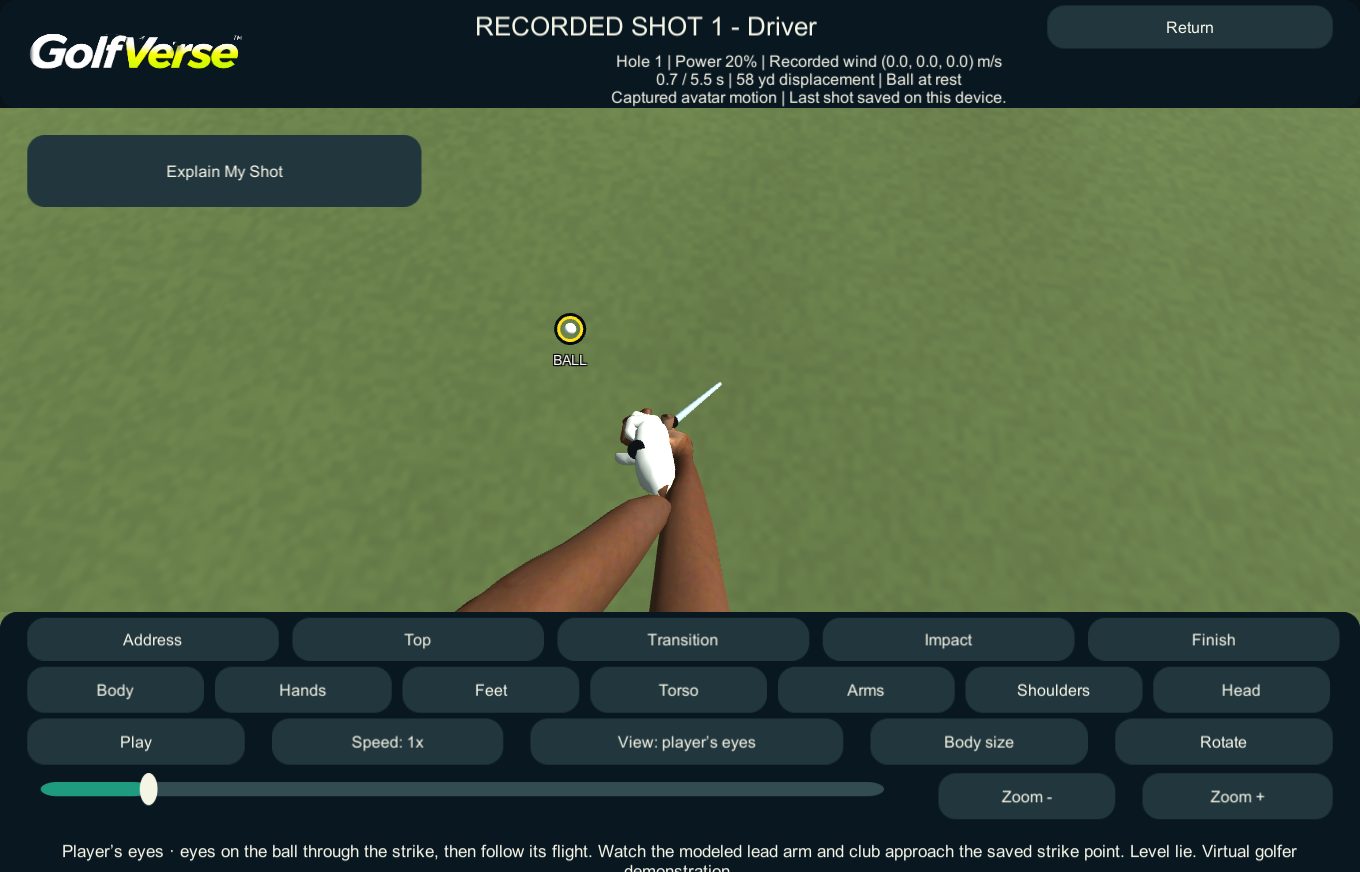
Each shot is saved with its club, settings, wind and lie, so the replay shows exactly that stroke. Scrub the timeline, slow it down, rotate the camera, or step into the golfer's eyes and keep your gaze on the ball through the strike.
- Address, top, transition, impact and finish markers
- Body, hands, feet, torso, arms, shoulders and head views
- "Explain My Shot" for a plain-language breakdown
On the course
See the swing and the shot together
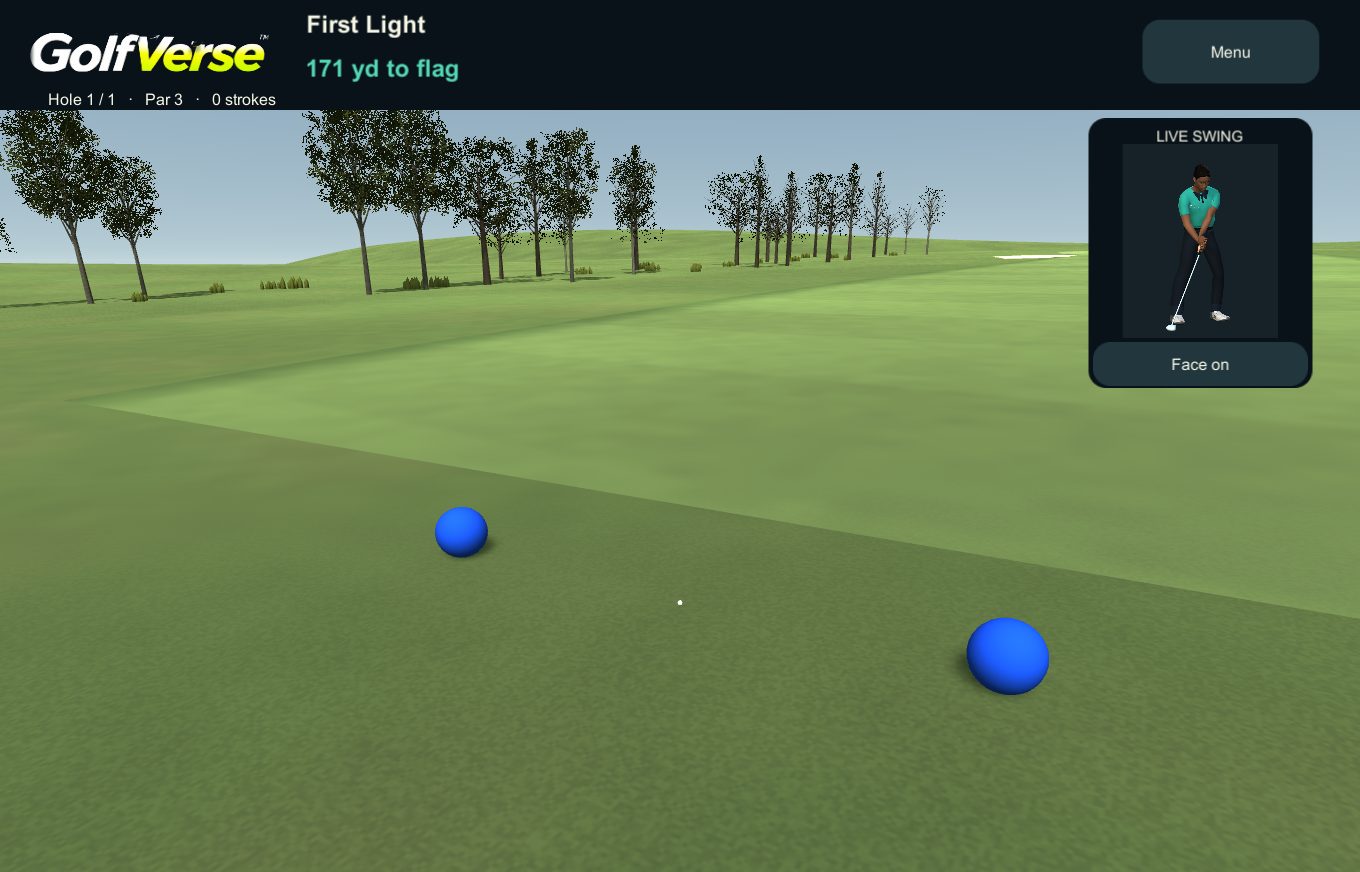
A live swing window shows your golfer face-on or down the line while you follow the ball across the course, so cause and effect stay side by side.
How it works
Four steps on every shot
Pick a course
Choose a built-in hole or download one near you.
Read the hole
Check the fairway, the yardage, the wind and the slope under your feet.
Set up and swing
Choose the club, confirm the setup, and watch the estimated carry before you commit.
Replay and learn
Review the stroke frame by frame, then take what you learned to the next shot.
For every golfer
Start simple. Add detail when you're ready.
Beginner
The club is chosen for you and shots fly straight, so you can learn the course and the basics first.
Intermediate
The full bag and shot shaping, with a neutral lead wrist.
Scratch
Precision setup steps and the bowed-wrist delivery for players who want every lever.
Play as a male or female golfer. Rounds with friends save each player's lies and scorecard, so everyone can play when it suits them.

Be first on the tee
GolfVerse is coming to the App Store for iPhone, iPad and Mac. It's free to download and play.
Online play is for ages 13 and up. Questions? Visit support.